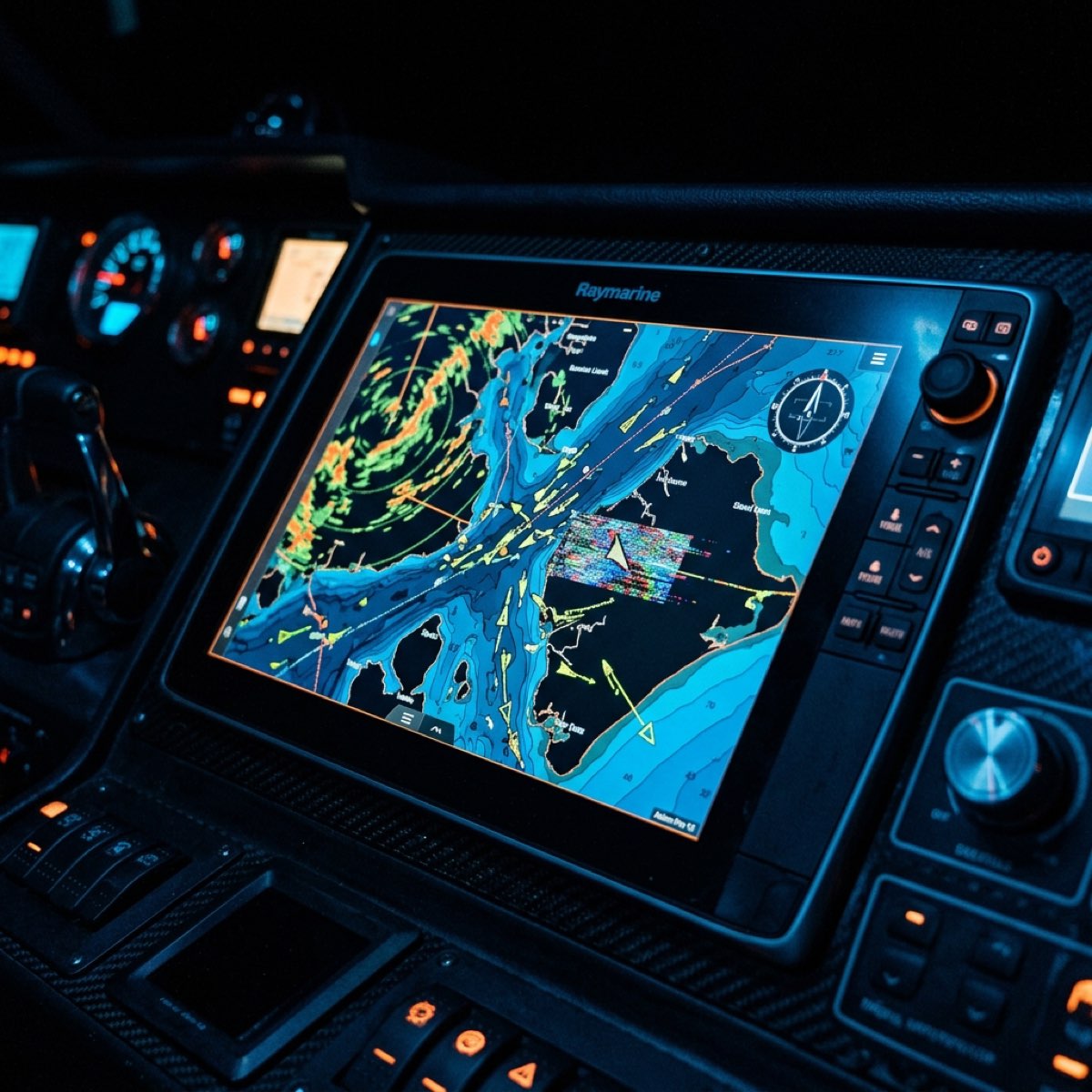
You’ve spent $500 on the latest AIS-MOB personal beacon. You’ve tucked it into your lifejacket, programmed it with your vessel’s MMSI, and you feel invincible. If you fall overboard, that little device is going to scream your location to every boat within five miles, and your own chartplotter will light up with a big, red "MAN OVERBOARD" icon.
Right? Wrong.
In early 2024, a silent, technical "Blind Spot" was discovered in the way the latest generation of Garmin and Raymarine Multi-Function Displays (MFDs) handle NMEA 2000 data. It’s a mapping conflict known as the PGN 129041 Glitch.
The result? Your beacon is shouting for help, but your chartplotter is effectively illiterate. It sees the data coming in, but it doesn't know how to translate it into a visual alert. Today, we’re going into the code of the NMEA 2000 backbone to fix the "Blind Spot" before you actually need it.
Mike Callahan's Masterclass Note: "The NMEA 2000 network is like a room full of people speaking different dialects. Most of the time, they understand each other. But when it comes to AIS-MOB data, some of the newest plotters are looking for a specific PGN (129041) that many beacons don't use, or they're ignoring the legacy PGNs (129038) that they should be watching. It’s a software handshake that fails right when your life depends on it."
| Feature | PGN 129038 (Legacy) | PGN 129039 (Class B) | PGN 129041 (New standard) |
|---|
| Data Type | AIS Class A Position Report | AIS Class B Position Report | AIS Aids to Navigation (AtoN) |
| MOB Support | Primary for most beacons | Limited | The 'Silent' Requirement |
| Garmin 2024 | Partial (Icon may stay green) | Often ignored for MOB | Mandatory for MOB Alert |
| Raymarine Axiom | Reliable (if updated) | Hit or miss | Required for 'Active' Overlay |
The "Blind Spot" Physics: What is PGN 129041?
To understand the glitch, you have to understand how your electronics talk to each other. Every piece of data on your boat—your engine temp, your depth, your GPS position—is sent as a PGN (Parameter Group Number).
For a decade, AIS beacons (like the Ocean Signal MOB1 or the McMurdo S20) have used PGN 129038. This is the standard "Class A" position report. When a beacon triggers, it sends this PGN with a specific "Navigation Status" flag set to 14 (which means "AIS-SART").
The 2024 Mapping Pivot
The newest MFDs released in late 2023 and 2024 have pivoted. They are moving toward the NMEA 2000 V3.0 standard. This standard prefers PGN 129041 for anything that isn't a "vessel"—including life-saving beacons and "Aids to Navigation" (AtoN).
The Glitch: Many high-end chartplotters are now programmed to only trigger the high-priority MOB alarm if they receive PGN 129041. But 80% of the beacons currently in lifejackets around the world are still sending PGN 129038.
Your plotter sees a "boat" (the beacon) on the screen, but it treats it like a slow-moving kayak. There is no alarm, no red icon, and no "Return to MOB" waypoint. You are in the water, and your crew has no idea.
The Masterclass Diagnostic: The "Dockside SOS" Test
You cannot assume your safety system works. You have to prove it. But you can't just set off your AIS-MOB beacon at the dock—that’ll bring the Coast Guard and a $10,000 fine.
The "Test Mode" Protocol
Almost every AIS-MOB beacon has a Test Mode. However, most people use it wrong. They press the button, see the green light on the beacon, and say "Okay, it works."
That’s only testing the beacon. You need to test the network.
- Power up the MFD: Turn on your Garmin/Raymarine plotter.
- Activate Beacon Test Mode: Follow the manufacturer's instructions to trigger a single-burst test transmission.
- The 15-Second Rule: Look at your plotter. In test mode, you should see a specific "AIS Test" icon (usually a green square with an X).
- The Critical Failure: If you see the icon but it doesn't have the "TEST" label, or if it doesn't appear at all, your plotter is suffering from the PGN mapping conflict. It is receiving the signal but doesn't know what to do with it.
🛑
**MMSI PROGRAMMING WARNING:** If you haven't programmed your vessel's MMSI into the beacon, your plotter will treat the MOB as a "Stranger" vessel. This causes a delay in the alarm and can prevent the "DSC" (Digital Selective Calling) loop from alerting your own VHF radio.
The Step-by-Step Fix: Bridging the Blind Spot
If your "Dockside SOS" test failed, don't throw the beacon away. There are three ways to fix the "Blind Spot."
1. The Firmware "Holy Grail"
Both Garmin and Raymarine released "Point Updates" in early 2024 to address this specific PGN mapping issue.
- Garmin: Update your GPSMAP or ECHOMAP units to Version 34.00 or higher.
- Raymarine: Update LightHouse 4 to Version 4.5.x or higher.
These updates specifically tell the MFD to "listen" for MOB status on both the legacy PGN 129038 and the new 129041.
2. The NMEA 2000 Gateway Fix
If you have older plotters that can't be updated, you need a "Translator." Devices like the Actisense NGT-1 or the Yacht Devices Gateway can be programmed to intercept PGN 129038 and "re-map" it to 129041 before it hits the NMEA backbone. This is an advanced fix, but it’s the only way to make a 2018 plotter understand a 2024 safety protocol.
3. The "Legacy Mode" Workaround
Some beacons (like the newer Ocean Signal units) allow you to change the "Output Profile" via a mobile app or a PC connection. If your plotter is blind, check your beacon's settings and see if you can enable "Legacy PGN Broadcast." This forces the beacon to send multiple PGN types to ensure at least one of them "sticks" to the plotter's logic.
The "Death Trap" Symptoms: Is Your Network Illiterate?
Beyond the PGN conflict, there are other reasons your plotter might be failing you. Here are the "Mike Callahan" field symptoms of a broken safety network:
⚠️
* **The "Static Target" Bug**: Your MOB icon appears on the screen but doesn't move, even though the person in the water is drifting. This means your plotter isn't updating the GPS position within the PGN packet.
* **The Silent VHF**: Your beacon is active, but your VHF radio isn't "Beeping." This usually means your NMEA 0183 (old wires) and NMEA 2000 (new wires) aren't talking to each other.
* **The "Target Ghosting"**: You see two MOB icons for the same person. This happens when the plotter sees the beacon via both AIS (VHF) and NMEA 2000 (Network) and doesn't know how to "de-duplicate" them.
Advanced Lore: The 161.975 MHz vs. 162.025 MHz Conflict
AIS operates on two frequencies. A healthy AIS-MOB beacon alternates between them.
The Technical "Gold": If your AIS receiver (usually built into your VHF) is only a single-channel receiver (common on cheap units), it will miss 50% of the MOB data packets. This increases the "Blind Spot" time from 2 seconds to nearly 10 seconds. In a man-overboard situation, 10 seconds is an eternity.
Always ensure your boat is equipped with a Dual-Channel AIS Receiver. It’s the only way to ensure the PGN data is captured reliably.
FAQ: Will this happen with my EPIRB too?
This is a common point of confusion.
- EPIRB: Talks to satellites (COSPAS-SARSAT). It doesn't rely on your NMEA 2000 network to get the SOS out.
- AIS-MOB: Talks directly to your boat and other boats nearby. It is your primary rescue tool for local recovery.
The PGN Glitch only affects AIS-MOB beacons. Your EPIRB will still work fine, but remember: the Coast Guard is 30 minutes away. Your crew is 30 seconds away. If the AIS-MOB isn't showing on the plotter, those 30 seconds turn into a disaster.
NMEA Protocol Deep-Dive: Field 6 and the Navigation Status Flag
To truly understand why your $5,000 Garmin unit is ignoring your SOS, we have to look at Field 6 of the PGN 129038 packet.
In the NMEA 2000 standard, each PGN is a string of data fields. Field 6 is the "Navigation Status." For a standard boat, this might be set to "0" (Underway using engine) or "1" (At anchor).
When you trigger an AIS-MOB beacon, it changes that status to 14 (AIS-SART).
The Logic Filter Failure
Modern chartplotters use "Logic Filters" to keep your screen from becoming cluttered. In 2024, some manufacturers implemented a filter that says: "Only trigger the MOB alarm if the PGN type is 129041 (AtoN)."
Because the beacon is sending PGN 129038 (Vessel Position) with the status set to 14, the plotter says: "I see a vessel with status 14... but my MOB alarm is only looking for an AtoN 129041 packet."
It’s a classic Type Mismatch in the software’s safety library. The plotter "knows" it’s a SART, but its "Alarm Manager" is looking at the wrong folder for the trigger.
The Sniffing Masterclass: Using the Actisense NGT-1
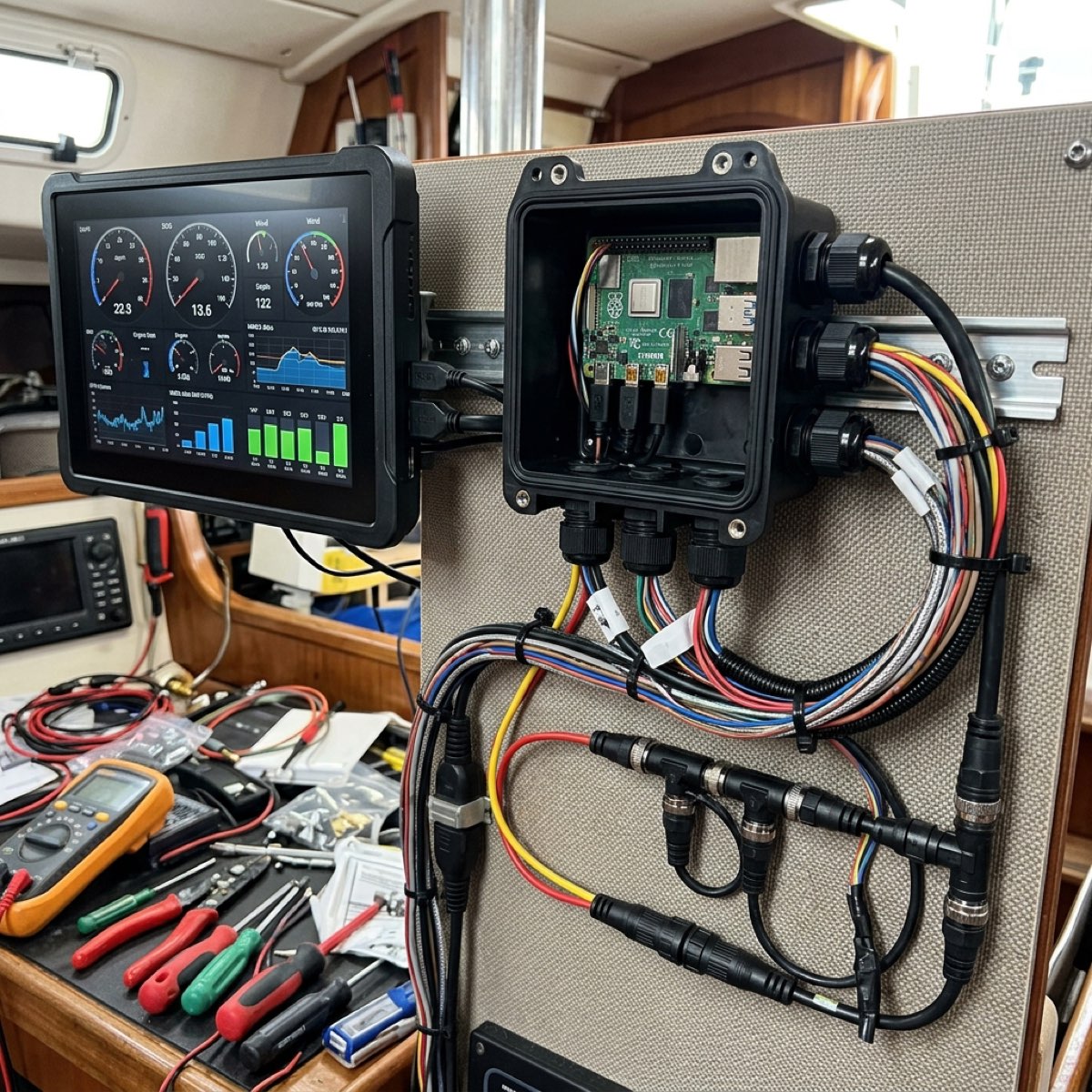
If you really want to be sure your boat is safe, you have to look at the data "in the wire." For this, I use a tool called the Actisense NGT-1.
This is a PC-to-NMEA 2000 gateway. You plug it into your network backbone and a laptop, and you can see every single PGN moving through your boat in real-time.
The "NMEA Reader" Protocol
- Connect the Gateway: Plug into a spare T-piece on your N2K backbone.
- Fire up NMEA Reader: This is a free software tool from Actisense.
- Trigger the Beacon Test: Watch the scrolling data on your laptop.
- Identify the PGN: You are looking for a line that starts with
129038 or 129041.
- Check the Payload: If you see
129038 but your Garmin unit isn't alarming, you have confirmed the "Blind Spot." You now have the proof you need to call Garmin support and demand a firmware patch for your specific serial number.
The DSC-AIS Loop: Your Second Line of Defense
While the AIS-MOB beacon is talking to your chartplotter via the VHF antenna, it is also trying to talk to your VHF radio via DSC (Digital Selective Calling).
The "All-Ships" vs. "Individual" Alert
Most modern beacons (like the MOB1) can be programmed to send a DSC distress call directly to your own boat's VHF radio.
- The Benefit: This bypasses the NMEA 2000 network entirely. Your radio will start screaming even if your chartplotter is "illiterate."
- The Conflict: If you haven't programmed your boat’s MMSI into the beacon, it won't know who to call. It will default to an "All-Ships" relay, which often has a 15-minute delay built in by international regulation to prevent false alarms.
Mike’s Tip: Always, always program your vessel’s MMSI into the beacon. It turns the beacon from a "general SOS" into a "private direct-line" to your crew.
Brand-Specific Nuance: B&G Zeus vs. Simrad NSX
If you're running Navico hardware (Simrad, B&G, Lowrance), you might think you're safe. But even within the same parent company, the PGN handling differs.
- B&G Zeus 3/3S: These are built for offshore racers. Their NMEA library is incredibly robust. They generally handle PGN 129038 and 129041 simultaneously with zero issues.
- Simrad NSX: This is the "new" operating system (Android-based). Because the code was written from scratch in 2022, it suffered from the same "V3.0 Standard" bias as Garmin. Early versions of the NSX were notoriously "blind" to AIS-MOB beacons. If you have an NSX, check for an update immediately.
FAQ: Can I fix this by adding a dedicated AIS Display?
I see this a lot on the long-distance cruising boats.
"Mike, I’ll just buy a dedicated Vesper or Matsutec AIS display so I don't have to worry about my Garmin."
The short answer: Maybe.
A dedicated AIS display (like the Vesper WatchMate) is built only to do AIS. It has its own internal PGN mapping that is much more stable than a general-purpose chartplotter. However, you are still relying on that display to "talk" to your NMEA 2000 network if you want the alarm to sound on your external cockpit speakers.
A dedicated display is a great backup, but it isn't a substitute for a properly updated primary navigation network.
Summary: Literacy is Life
In the digital age, your safety depends on a "handshake" between two microchips. One is in your pocket; the other is in your dashboard. If those chips don't speak the same dialect of NMEA 2000, you are functionally invisible.
Don't let the "PGN 129041 Glitch" be the reason your crew can't find you. Run the "Dockside SOS" test, update your firmware, and verify your data "in the wire."
As always, keep your network tight, your beacons hot, and I’ll see you back at the dock.